


 Website In-app survey
Enhance your website with contextual feedback
Capture the data that matters. With Told, trigger targeted surveys on your website based on user behavior and gather real-time insights.
Some of the reasons you will love website survey
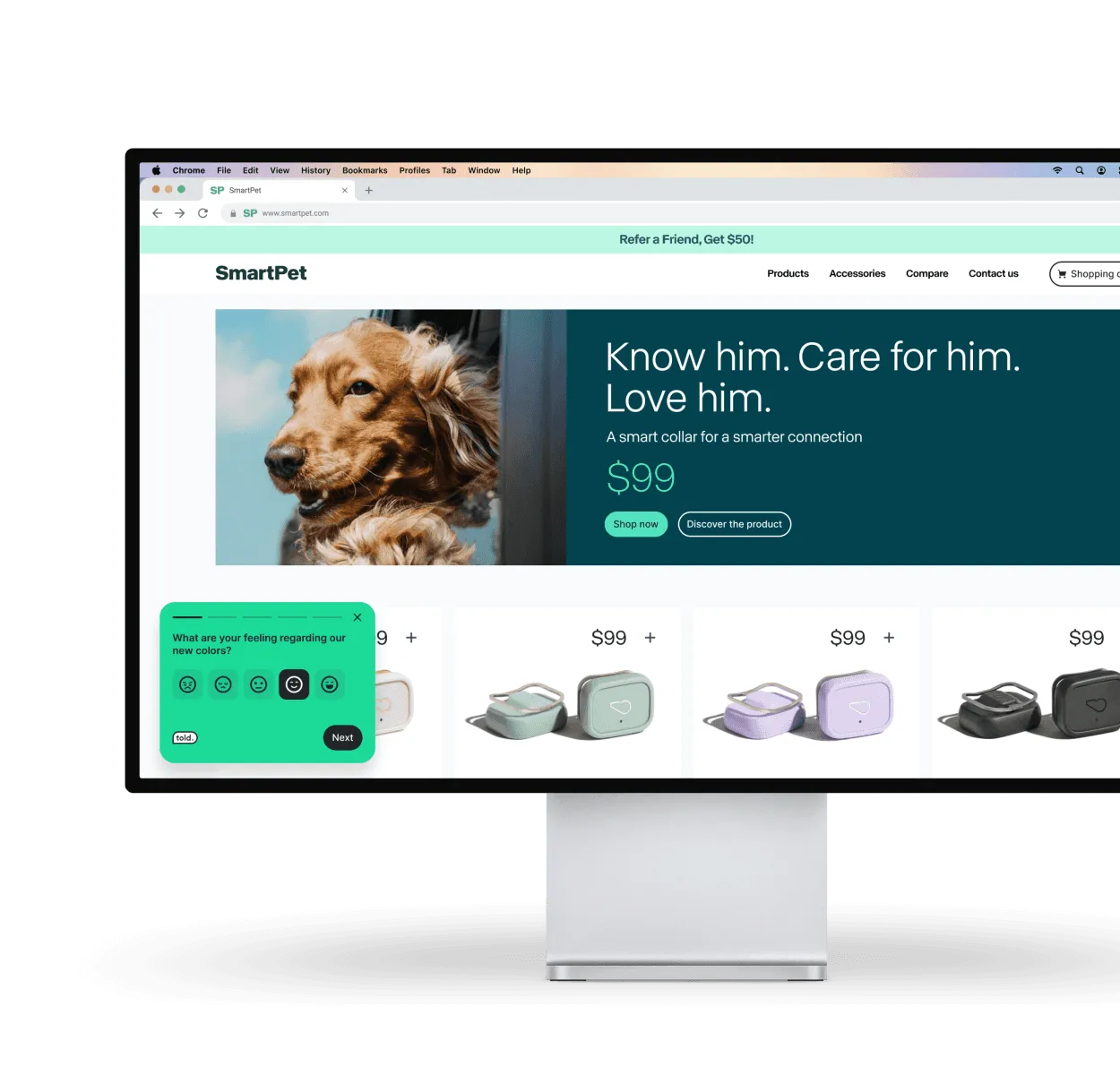
Collect real-time feedback on your UX
Told helps you spot friction points in real time, so you can create a seamless user journey. Trust us, they’ll thank you the right way for it.
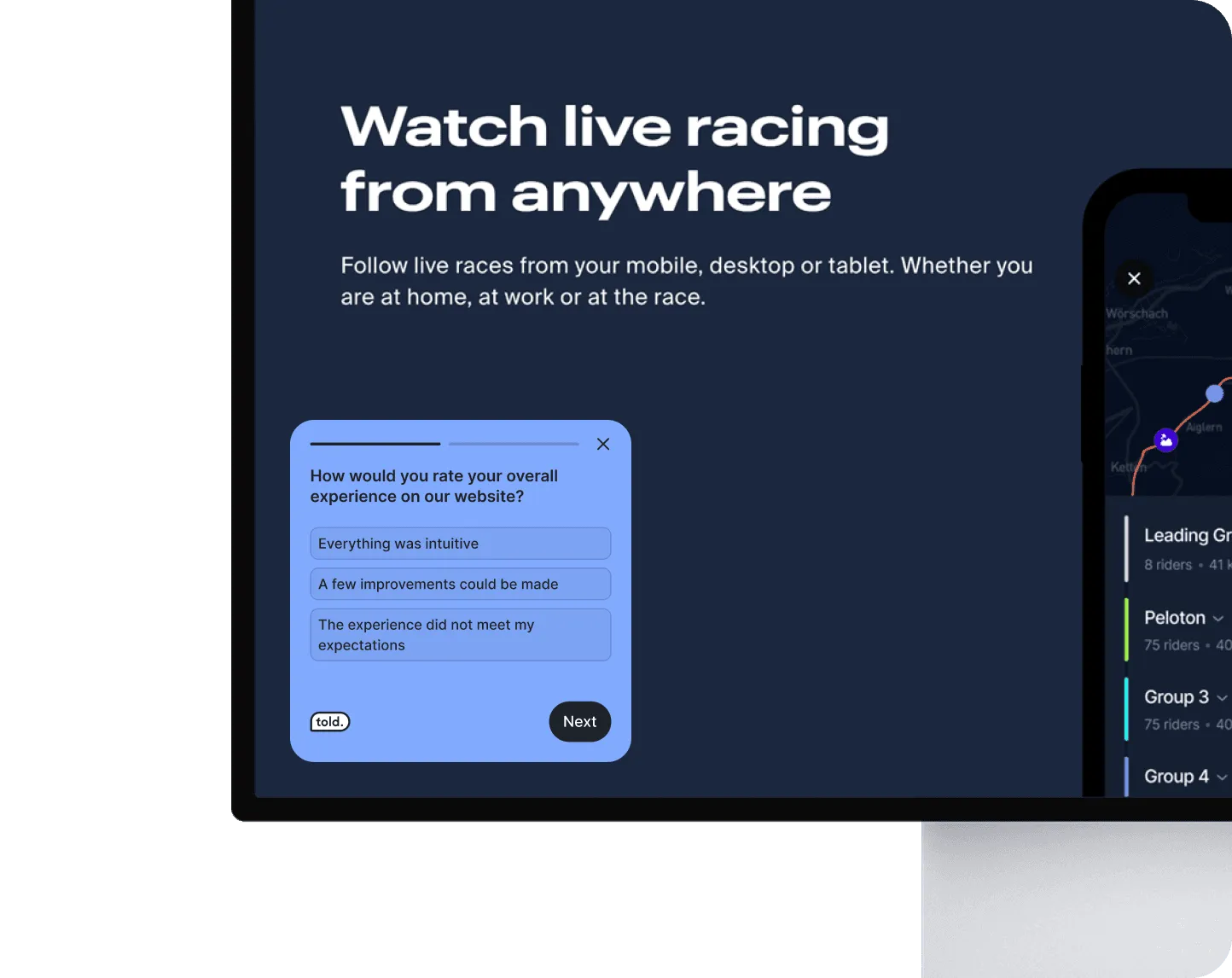
Understand why visitors are on your site
Get into your visitors’ heads to personalize their journey on the spot and drive better engagement.
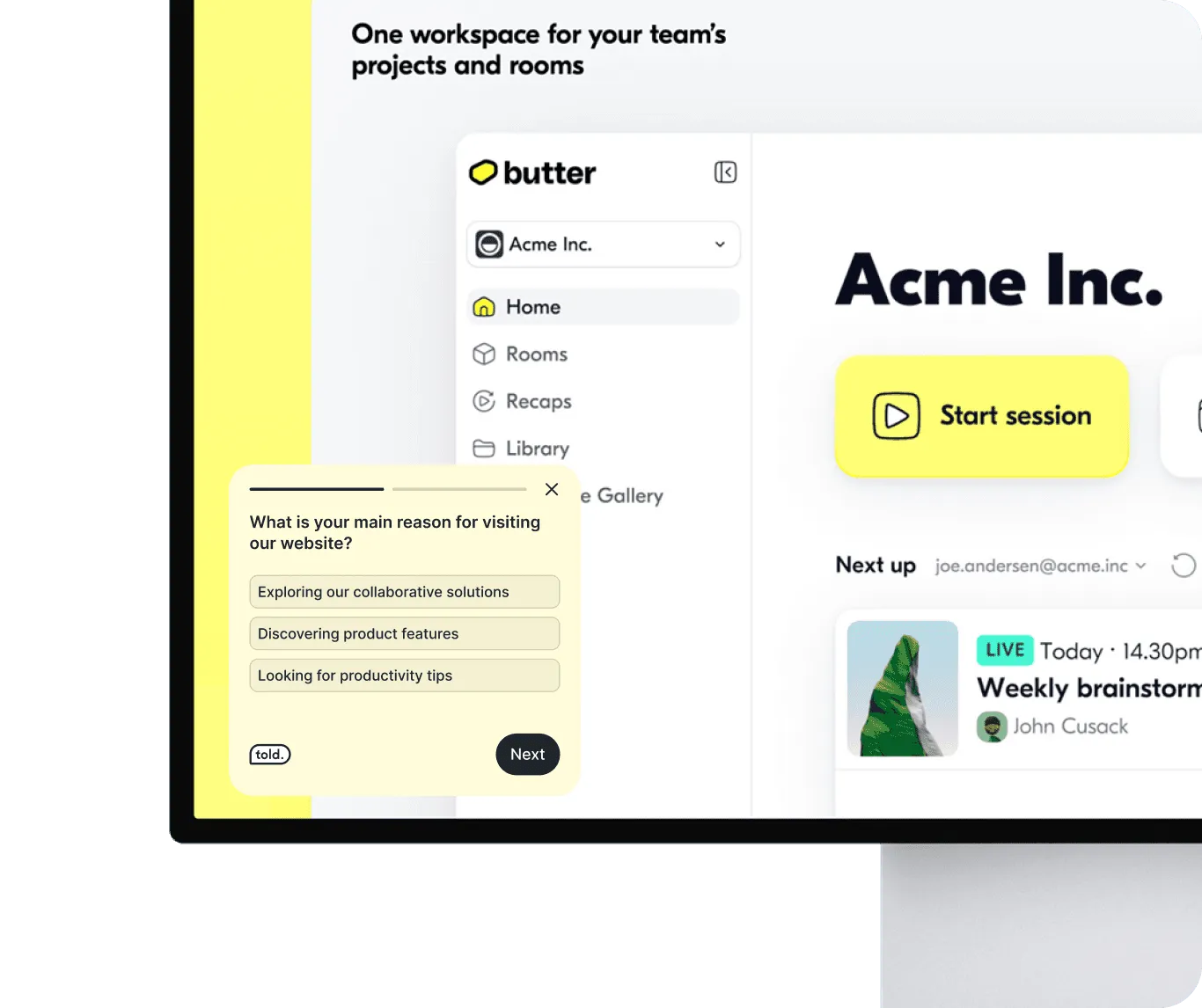
Get qualified leads, right from your website
Wanna put your lead generation on autopilot? All you need is your website and Told to capture your visitors’ interests and collect key info to turn them into hot leads.
Optimize your sales funnel with real-time insights
Use targeted questions at key moments and tracking data to fine-tune your funnel, reduce drop-offs, and watch your conversions soar. Effortless and insightful.
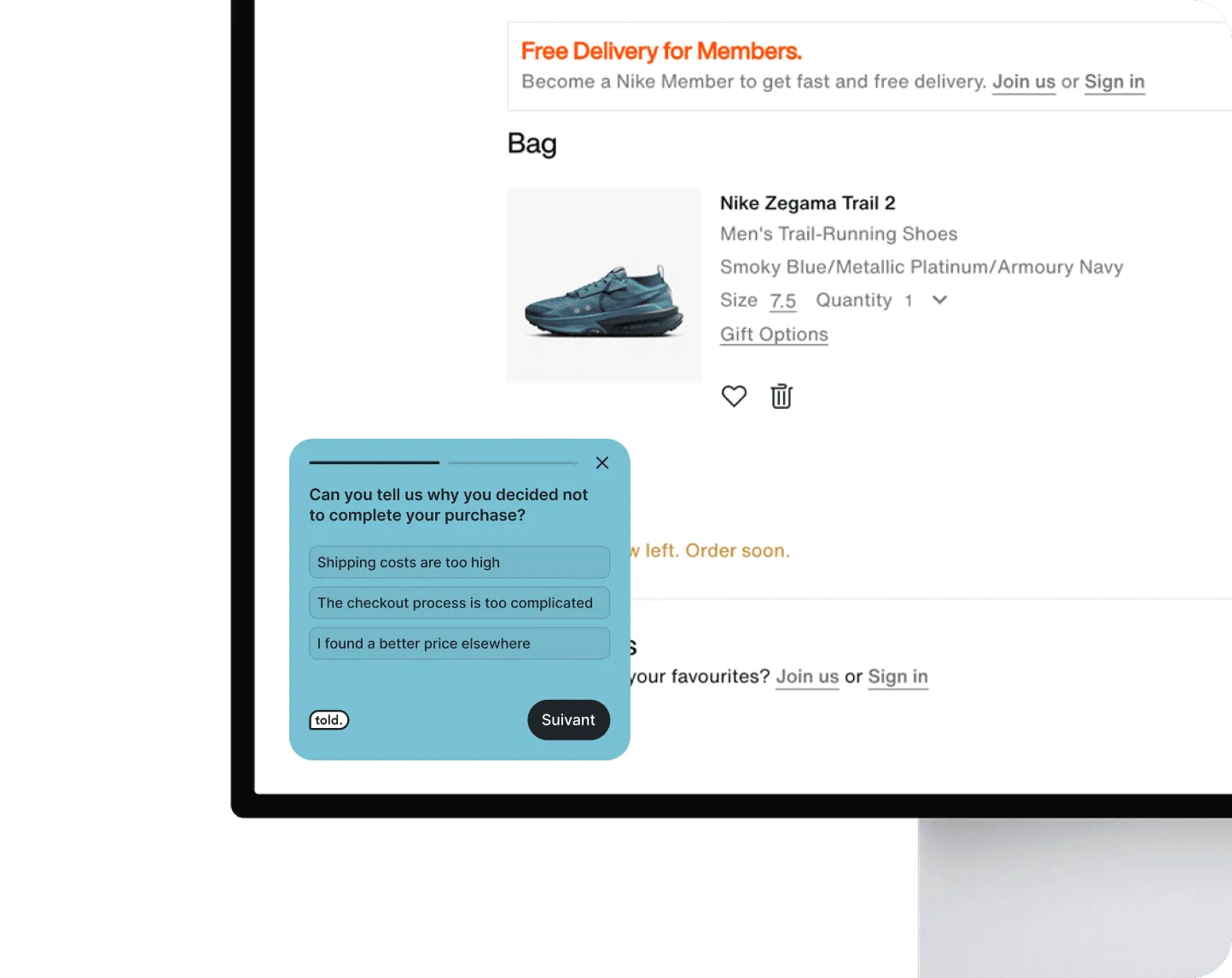
Gather clear feedback on your offer and pricing
Curious how your pricing or offer is really perceived? Just ask your users to give you the clarity you need. With Told, it’s as simple as that.
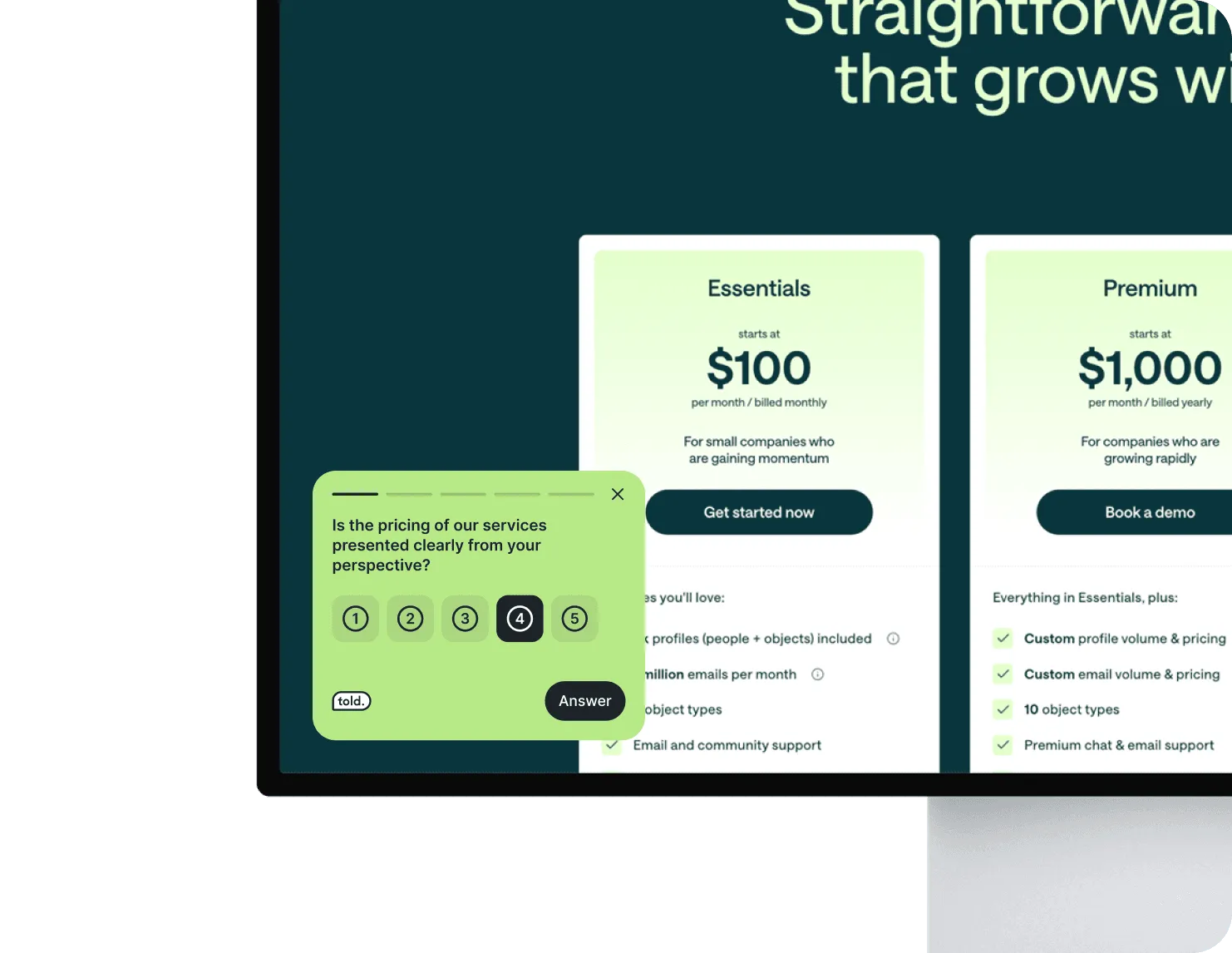


Target smarter, engage better
Effortlessly connect with frequent users and gather real-time, actionable feedback to boost engagement and results.

Quick Setup, Long-Term Ease
Copy-paste a tiny piece of code in the header of your website/webapp or use google tag manager to install Told. We made the installation process as easy as possible for you.
For the design lover, by design lover
Told is designed to seamlessly align with your brand and product, creating a natural fit.
Publish your survey in 3 steps within your product
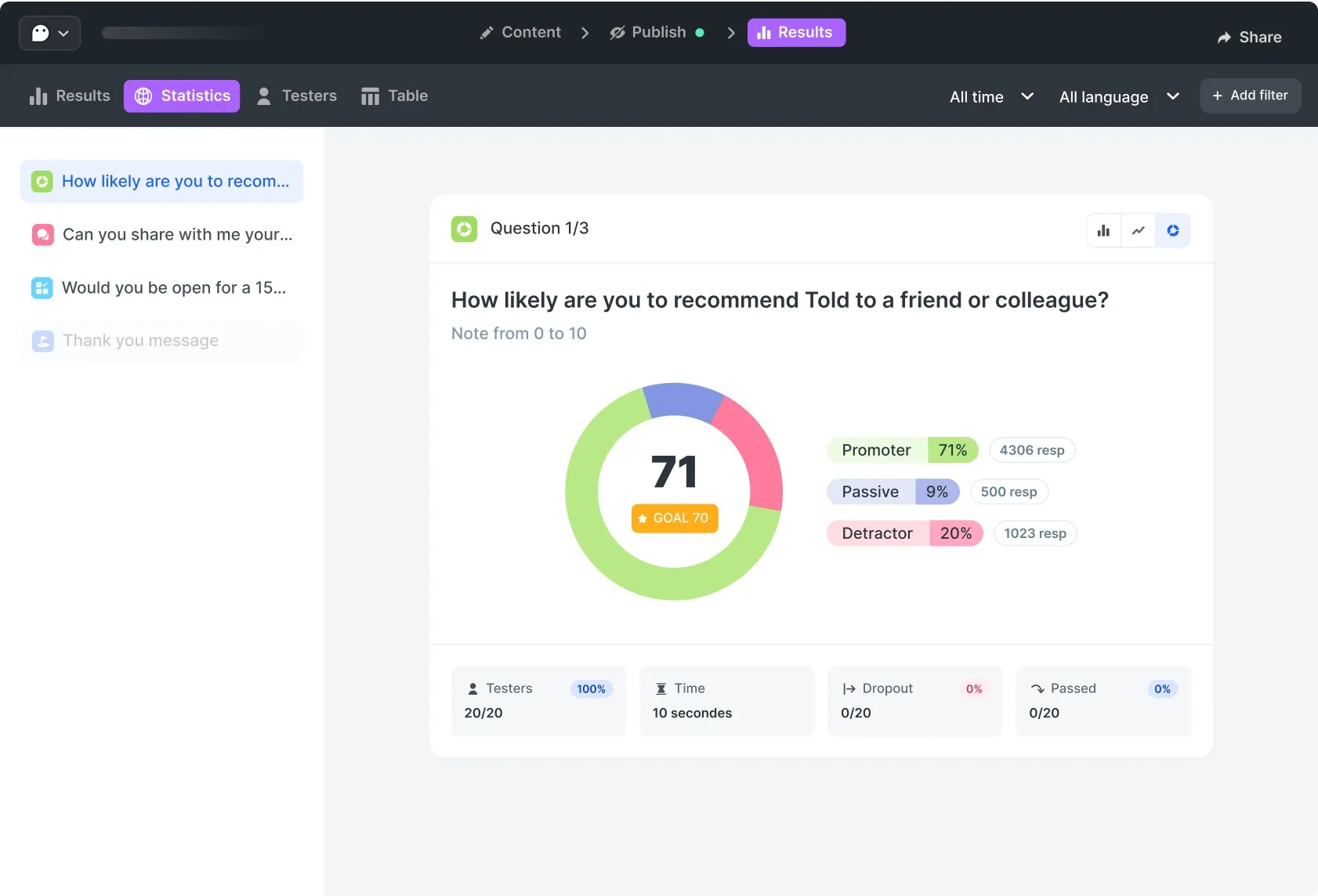
Effortlessly analyze your results, no matter your expertise.
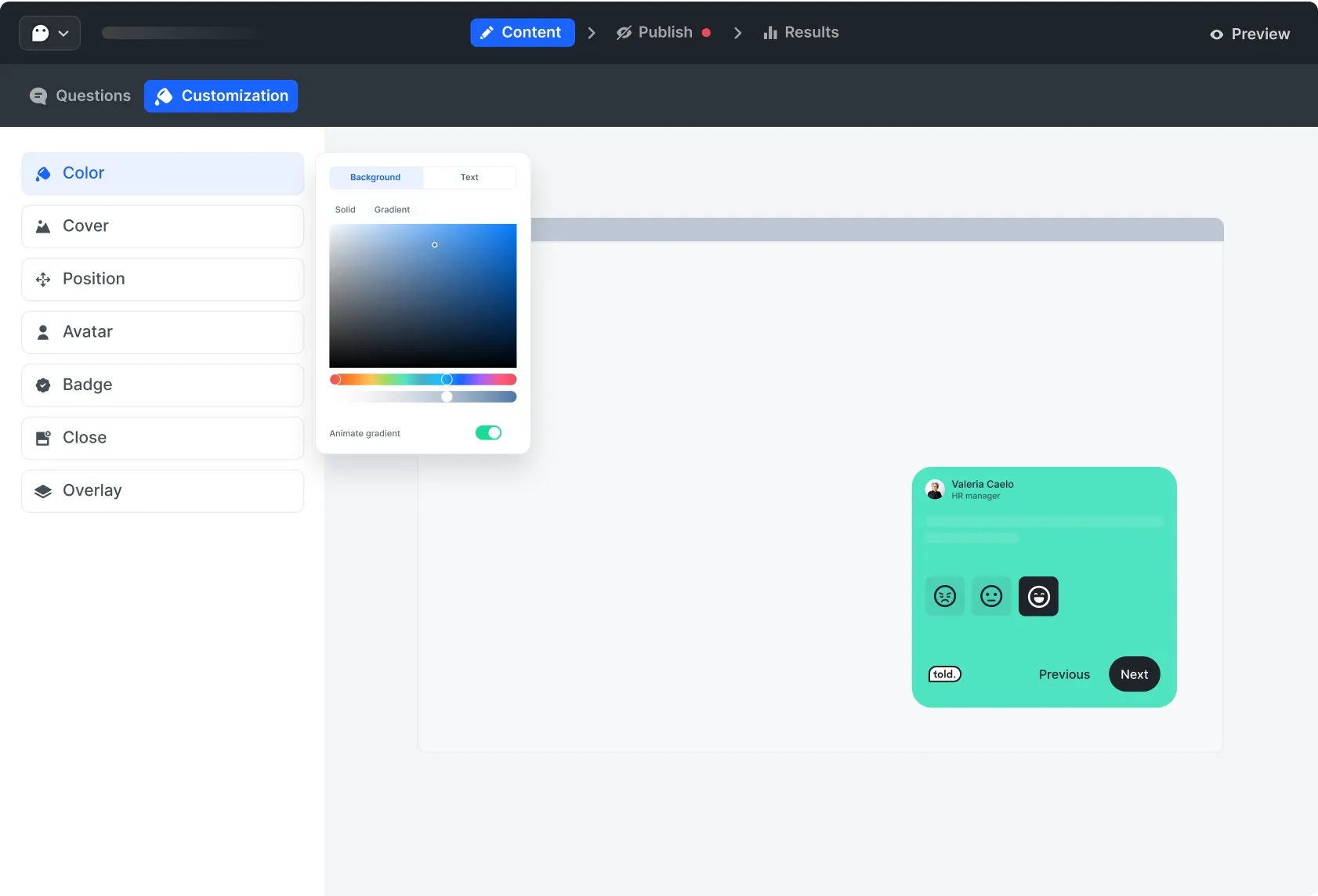
Create your survey easily with different types of questions in multiple languages.
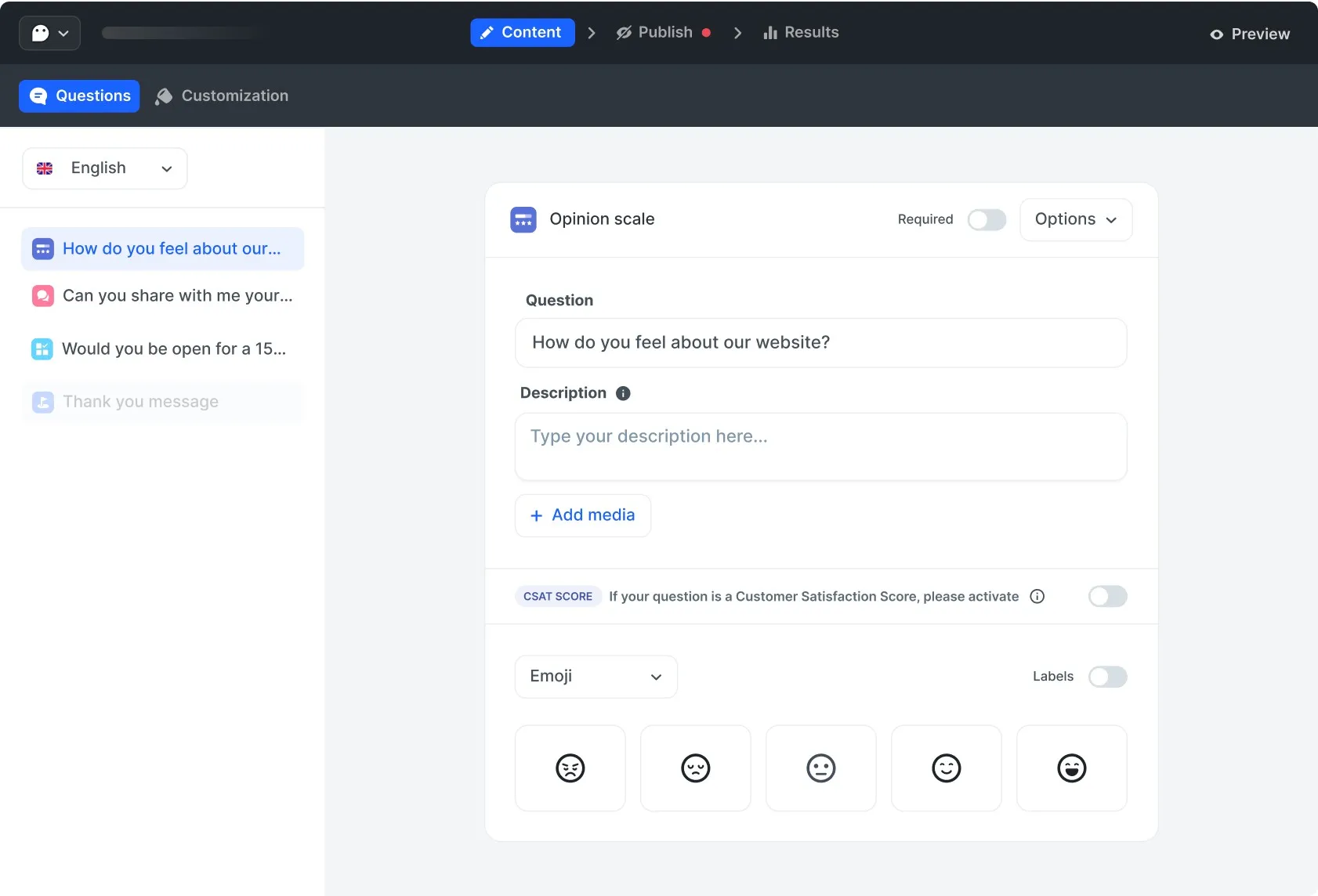
Stay consistent with your brand. Manage color, add an avatar, and more options.
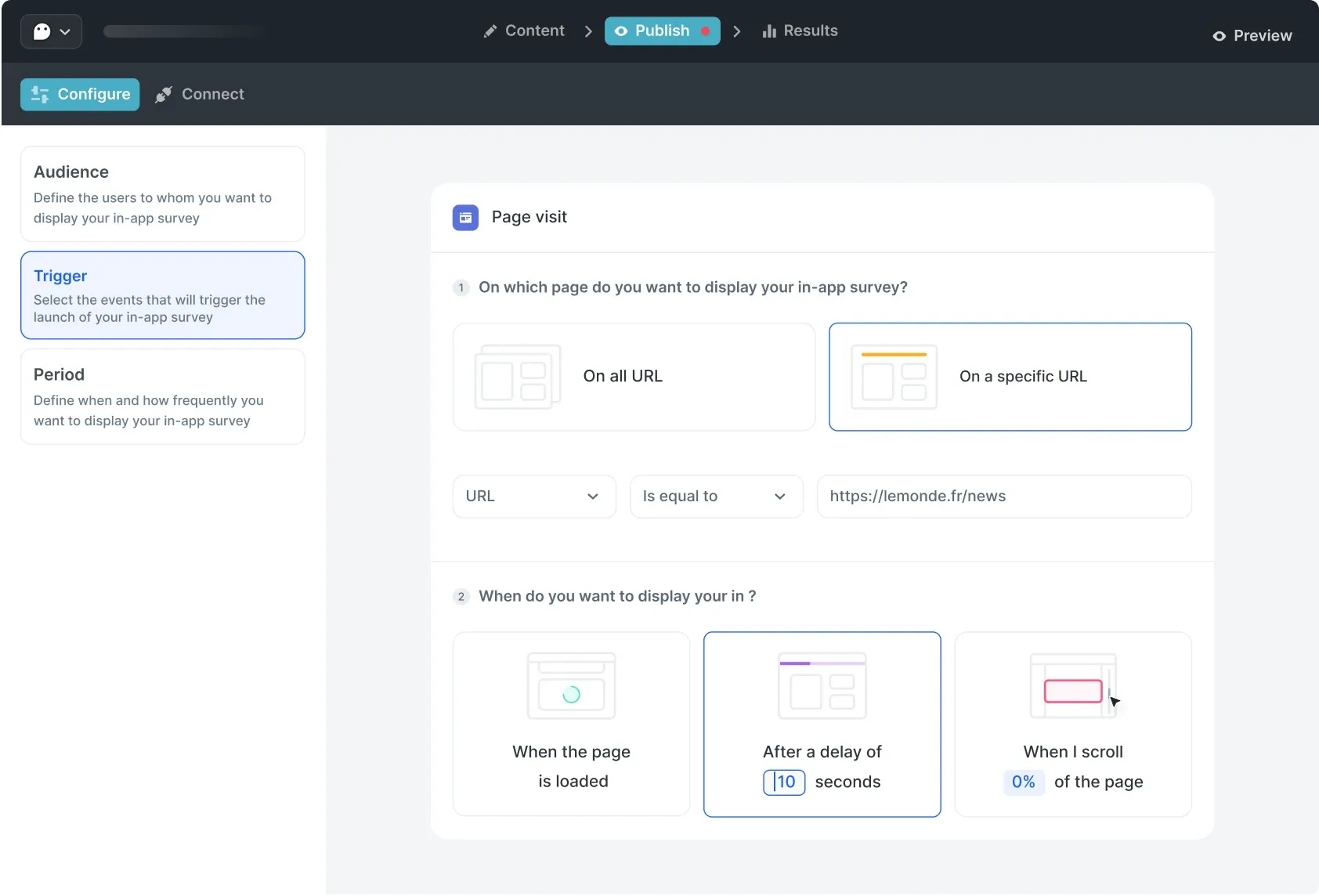
Target the right audience at the right time. Choose when and where to launch your survey.
Build your team’s vision around intuitive data. Understand not only your respondents' answers but also how they engage.
Smarts features you will love
Craft powerful, custom surveys with our versatile toolkit.
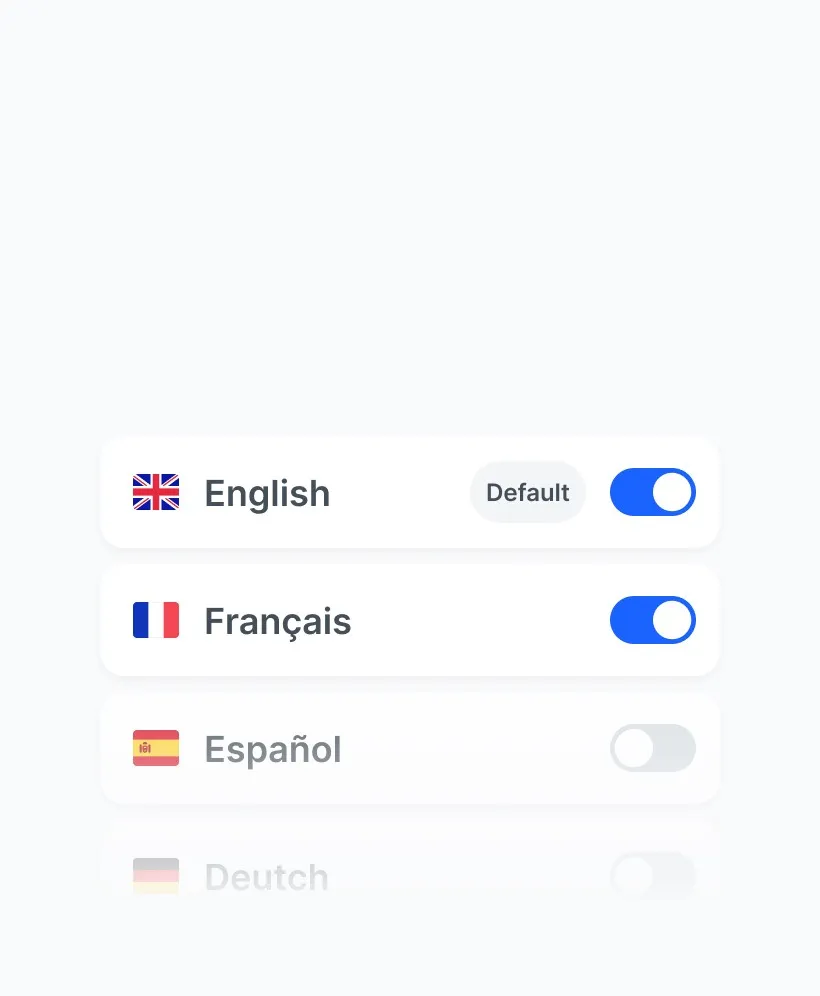
Multilanguage survey
Add several languages to your questionnaire to make it easier for everyone to understand.

Customize buttons
Customize your calls to action to increase your response rate.
Some Ai...et voilà!
Enhance your question formulation with AI and translate your survey in seconds.

Conditional structure
Use conditional structures to create specific routes based on the answers given.
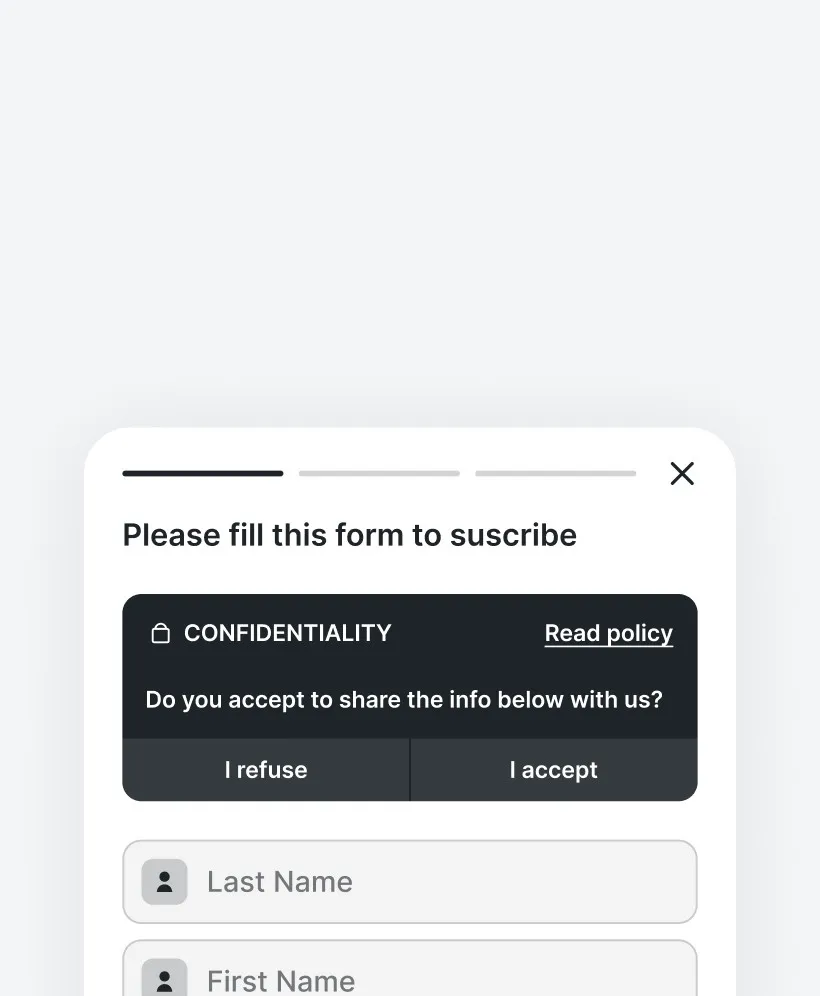
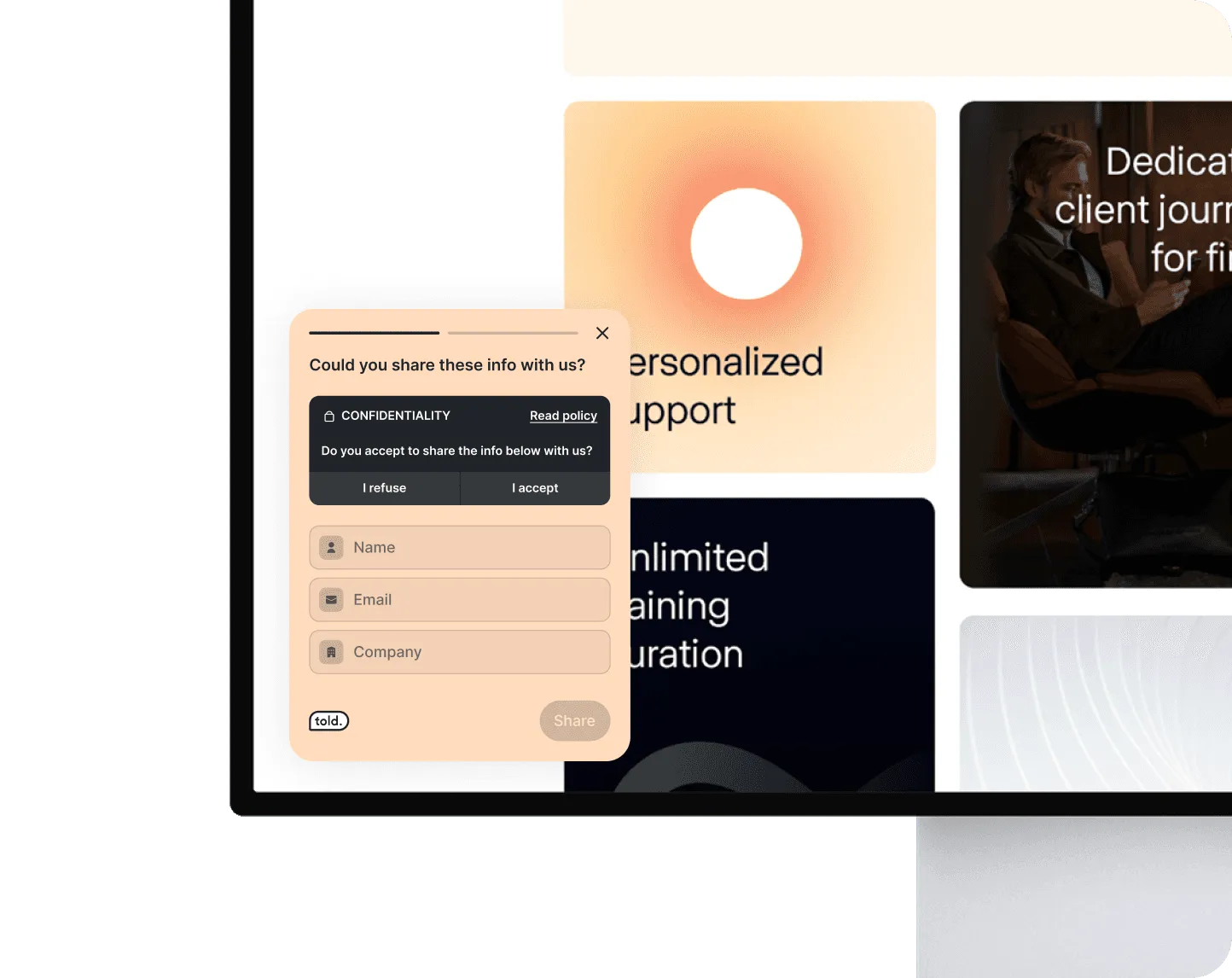
GDPR consent
Collect personal data using our consent widget, which you can easily integrate into your website.
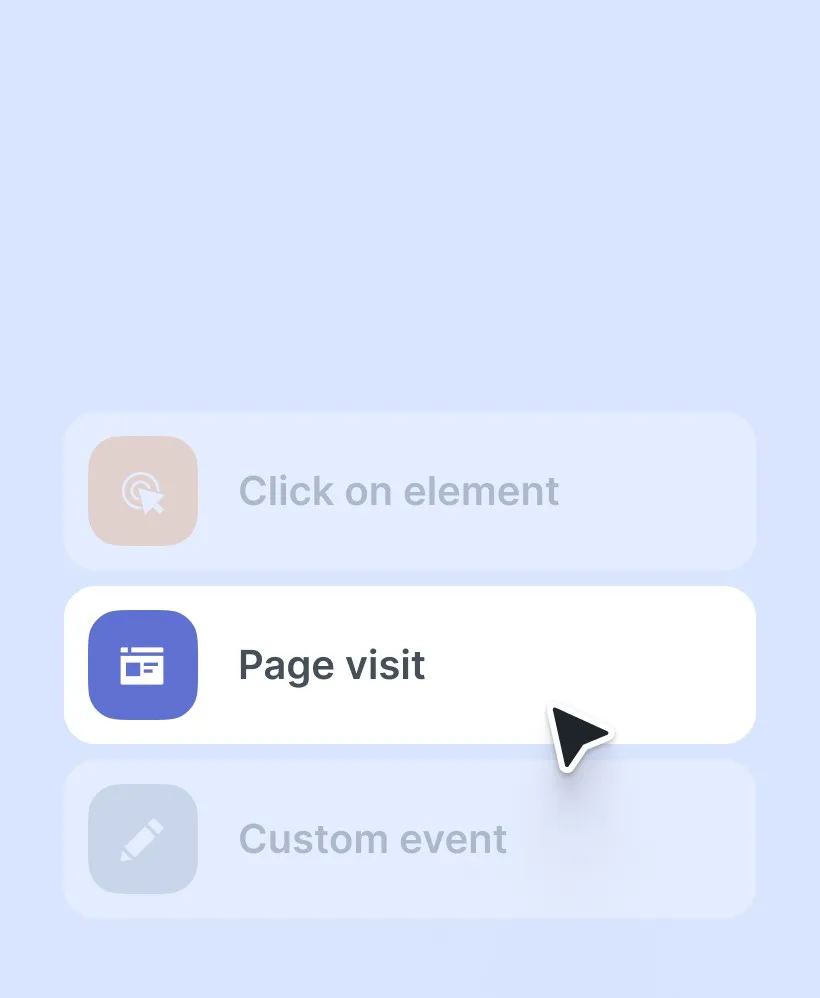
No-code triggers
Launch your survey with no-code triggers in seconds without developers.
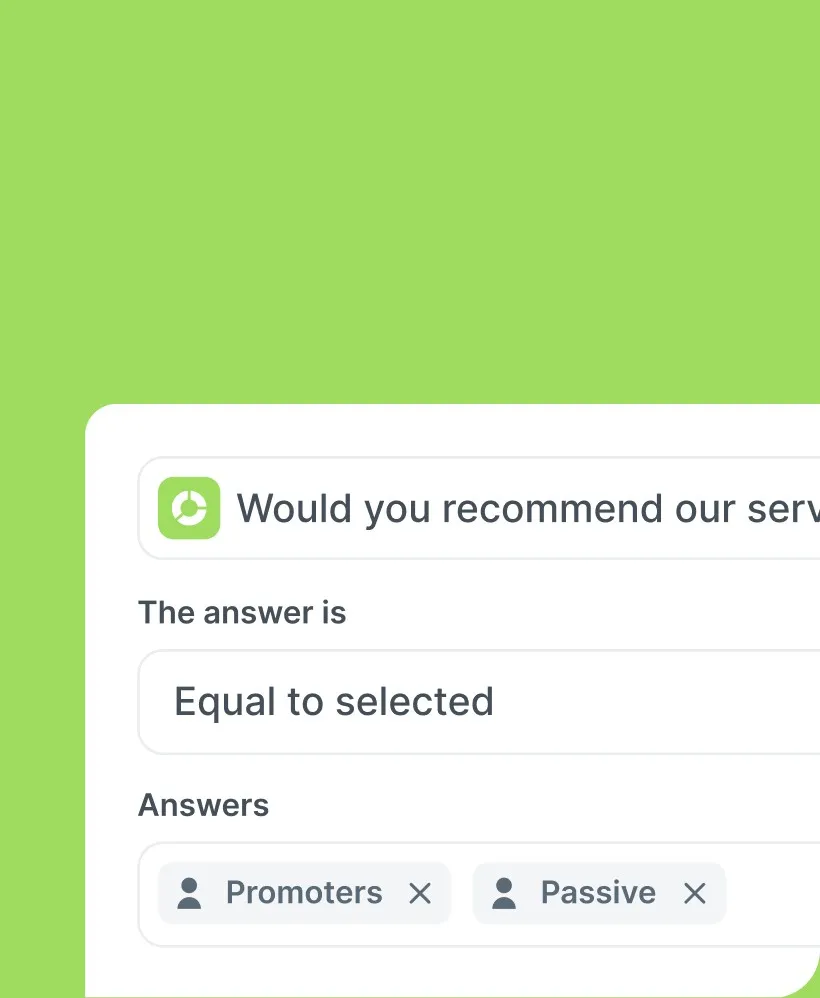
Filter datas
Filter the data that interests you in just a few clicks and understand it at a glance.
Your users insights, just one click away.
Start asking the right questions with our templates designed for every need—measure satisfaction, test features or understand customer perception. Just pick one, customize, and you’re ready—no fuss, no hassle.
Start for freeTold has transformed the way we collect user feedback on our solution. It’s incredibly easy for product managers to manage surveys independently, without relying on the developers. The time we’ve saved is a game-changer for our team’s efficiency.

Romain Passilly
CEO @Inqom by Visma
Frequently Asked Question
What’s website survey?
This is a survey that is strategically placed at one or more touchpoints on your website to enable you to evaluate your users' or customers' experience of your site or service. We can create more or less complex survey structures, including conditions, and trigger them in a specific context, for example at the end of a deadline or event.
What are the benefits of website survey?
When you launch a survey on your website, you are sure to capture meaningful feedback. Thanks to this method, your users can give you feedback, whether it concerns a bug, an idea for improvement or satisfaction in the moment.
Do I need to know how to code to use the web survey?
Not at all! The only code to use integrates by simple copy/ paste. Don’t worry, the tool is designed to be accessible to as many people as possible. All options are configurable without having to write a single line of code. Do not flee anymore and dare to adopt a more data-driven approach in your business.
Do I have to pay to add additional members to my team?
The number of seats allocated to your team depends on the plan you have chosen. We invite you to visit our pricing page to find out more.
Can i export my reports ?
Yes, you can export the reports in two ways: first, you can export a PPT presentation. You'll then have a report you can easily present to your managers or colleagues. You can also export in Excel format, for a quick and easy-to-use data table with a clear structure. Finally, you can also share the report by activating the one-click option and share it with anyone.
Want to ask feedback? Discover our other tools.
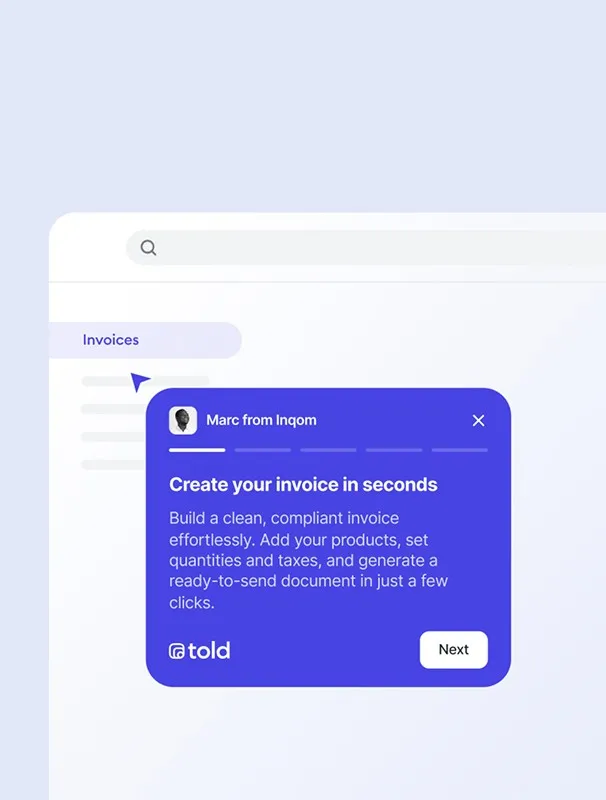
 Product tour
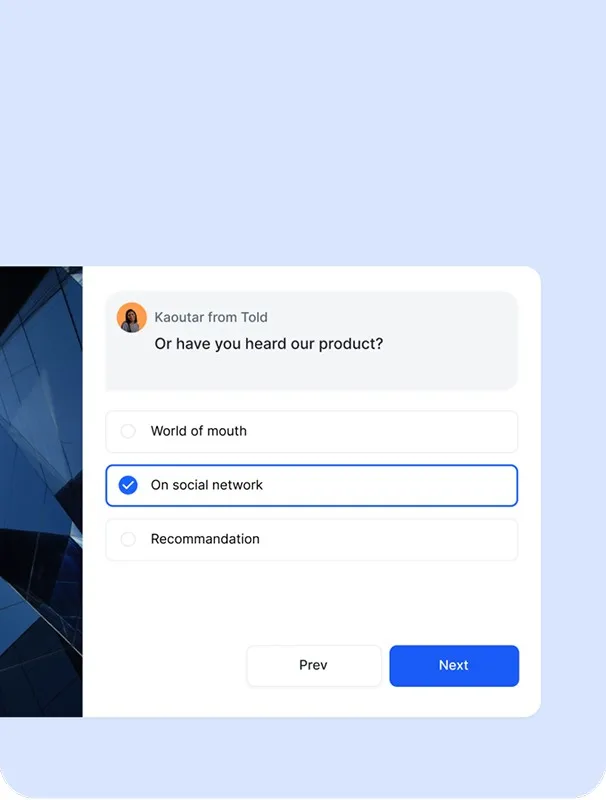
 Long form survey
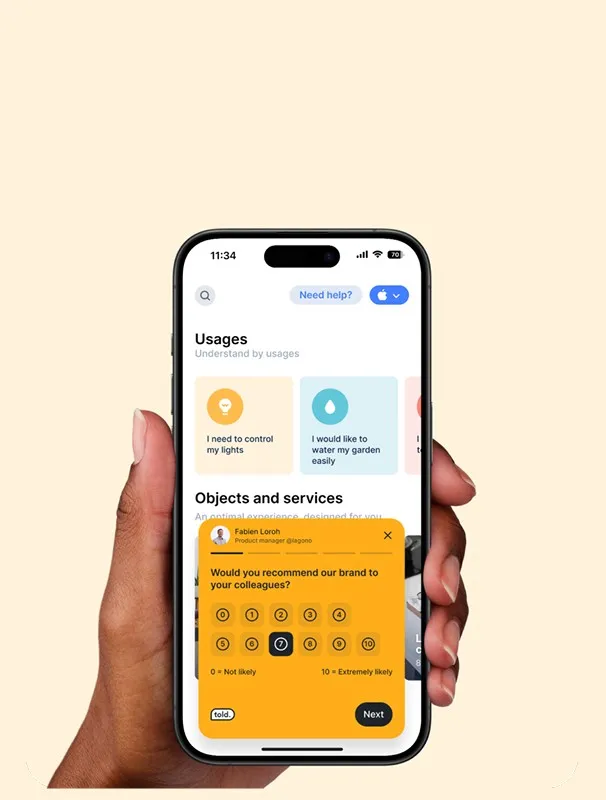
 In-app survey mobile
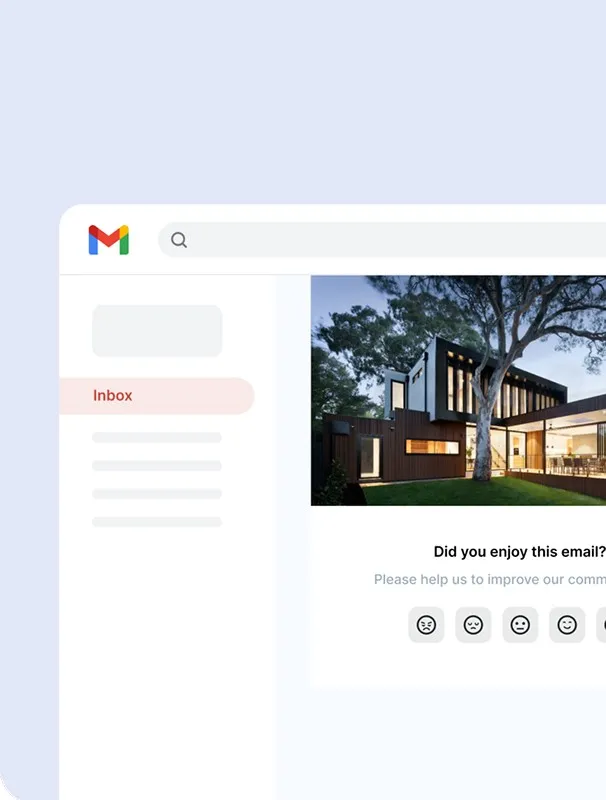
 E-mail survey
What should be your next move on your website ?
Unlock deep insights into your users' needs and harness this knowledge to consistently refine your product or service.
Try for free